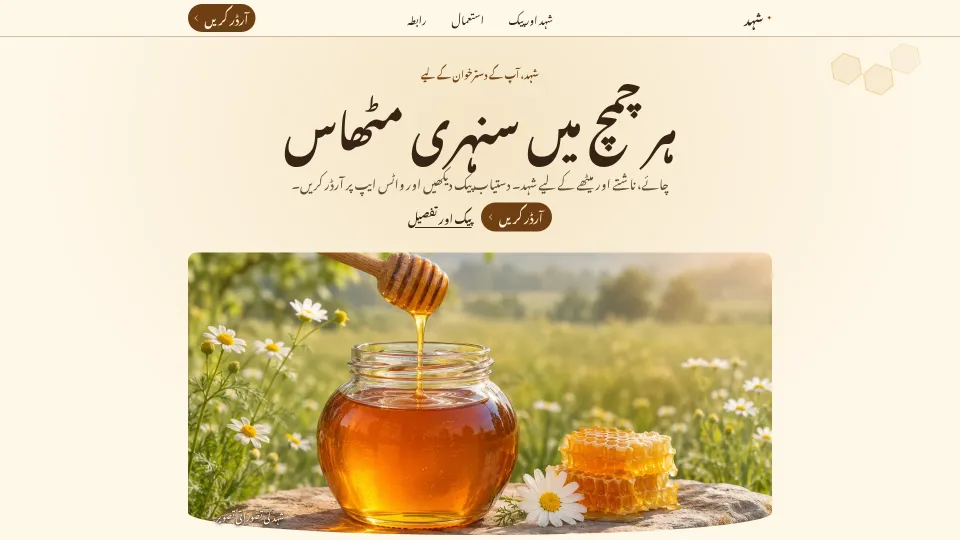
Shehad
شہد فروخت کرنے کے لیے اردو RTL لینڈنگ پیج۔ بصری ایڈیٹر سے تصاویر، قیمت اور پیک سائز بدلیں، واٹس ایپ پر آرڈر کی گفتگو شروع کریں اور رابطہ پیغامات ایڈمن ان باکس میں پڑھیں۔
3-day money back
Rs. 3,000
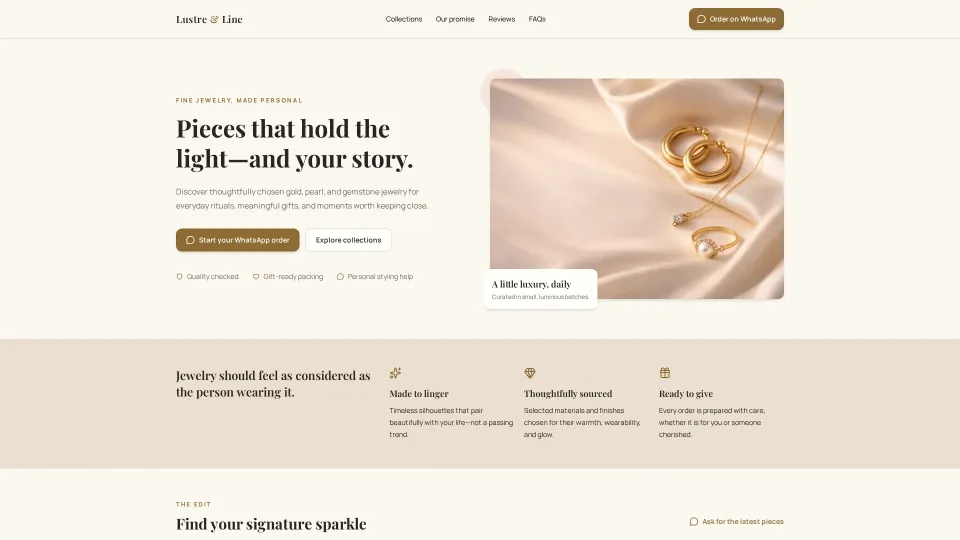
An editable jewelry landing page with a Visual Admin editor, ready-made collections, WhatsApp inquiries and a built-in inquiry inbox.
Screenshot unavailable
1 / 7
An editable jewelry landing page for boutiques, independent jewelers and businesses that confirm product availability, sizing and gift options with shoppers over WhatsApp.
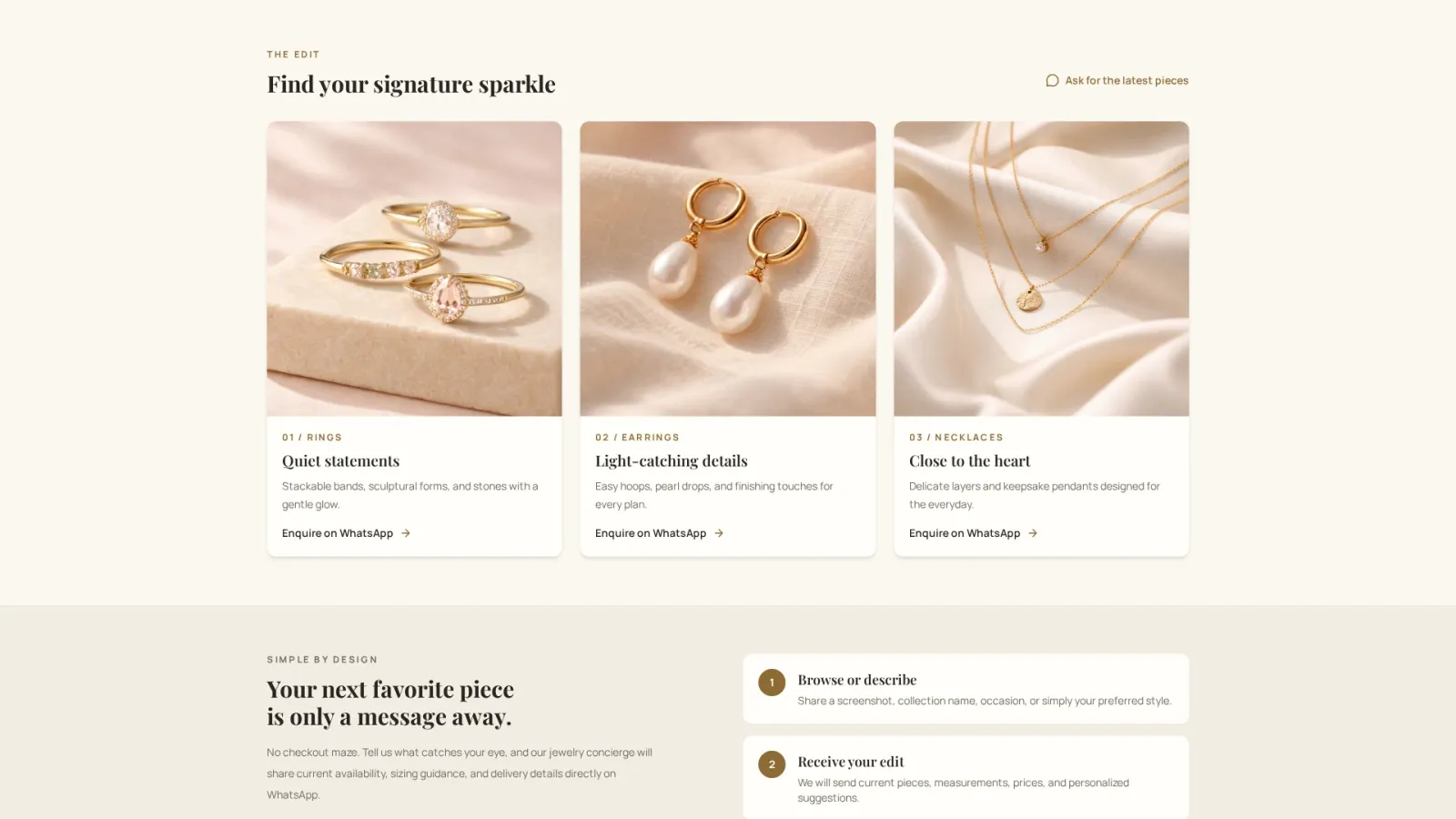
Start with a jewelry hero and collection cards for rings, earrings and necklaces. Replace the original photographs and copy with your own products and brand details.
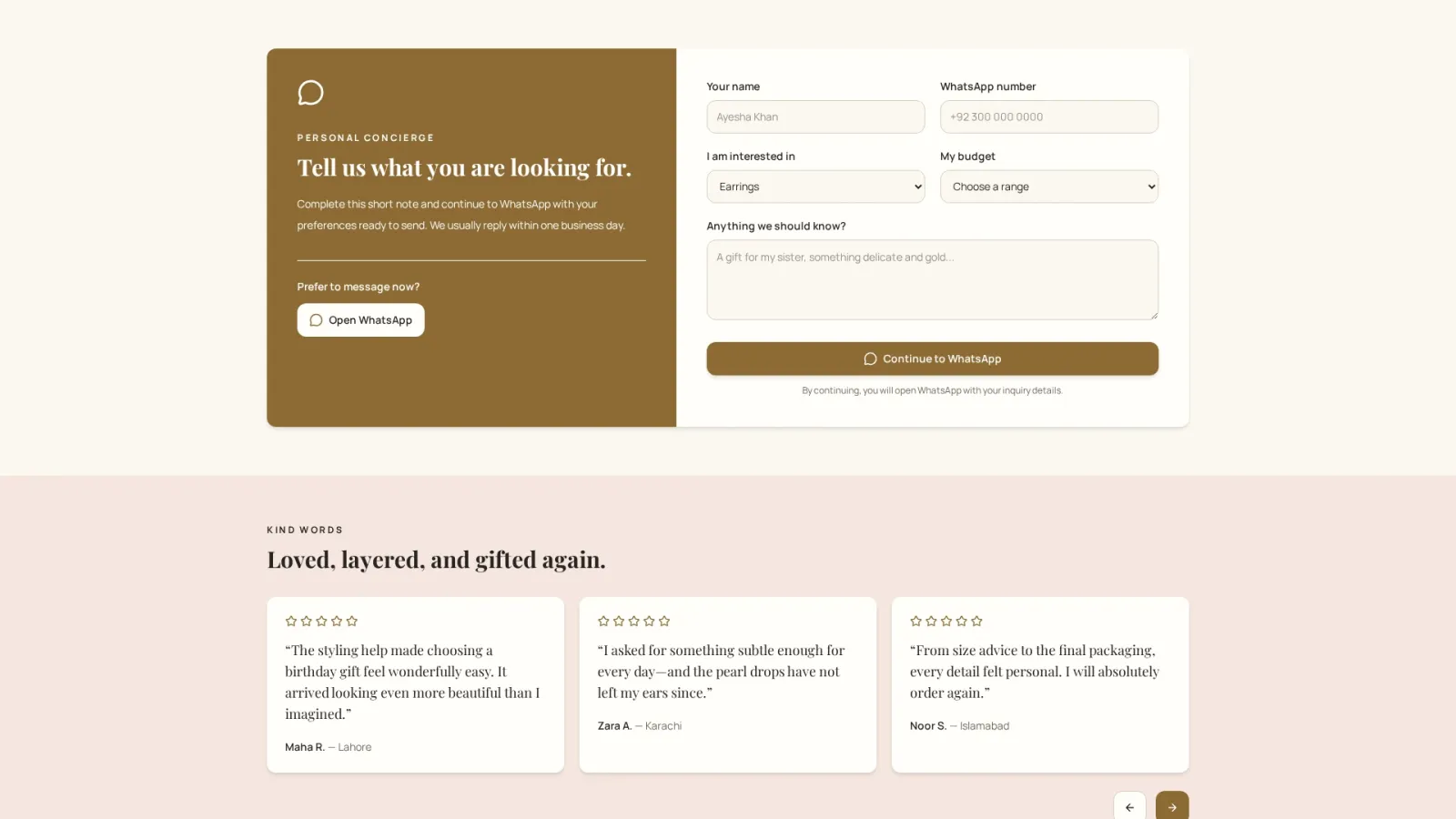
The inquiry form collects the shopper’s name, WhatsApp number and category. They can also share a budget or note before opening a prepared message.
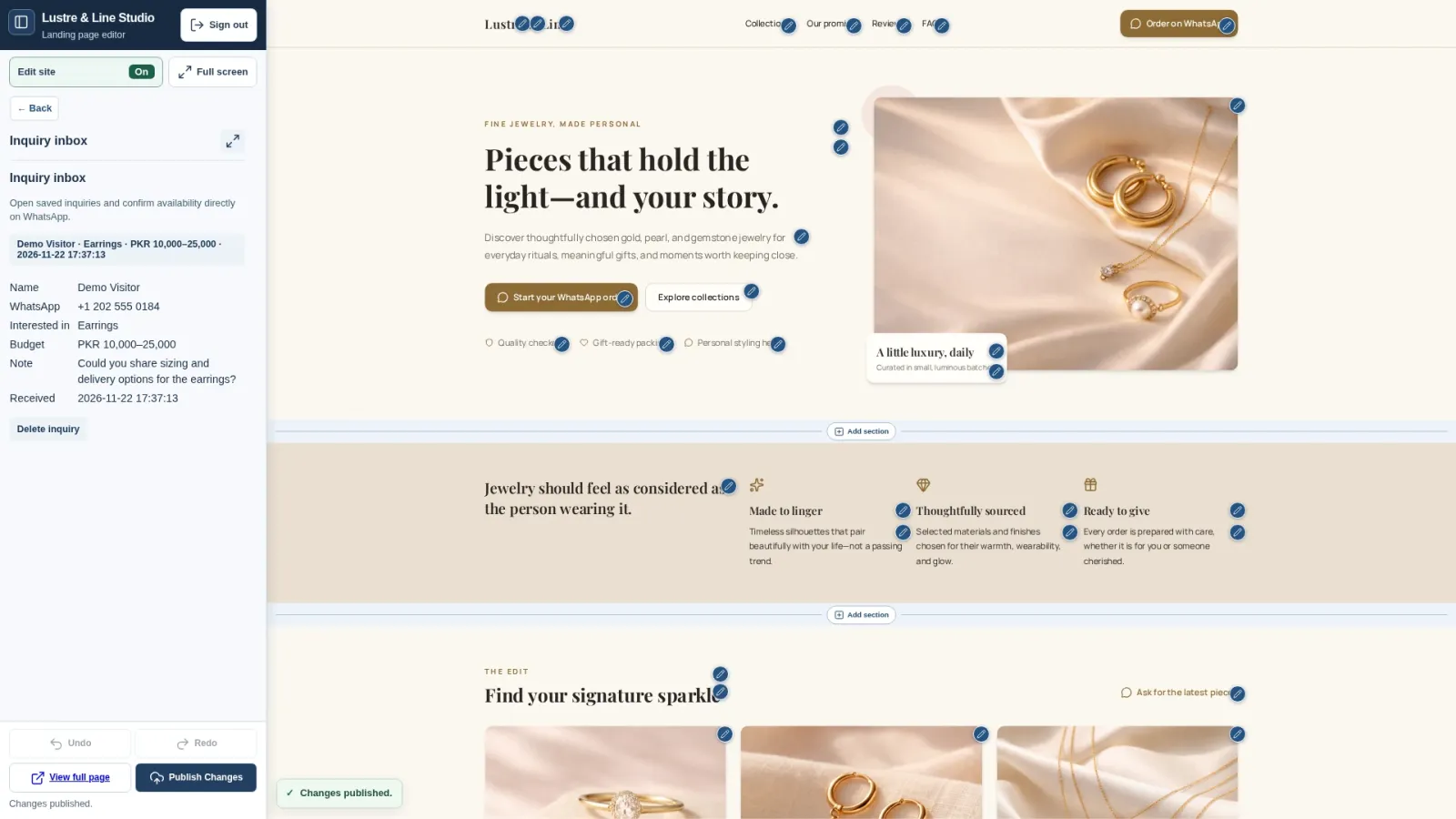
Form submissions appear in the private Inquiry inbox. Open the request and use the customer’s WhatsApp number to confirm availability, pricing and delivery.
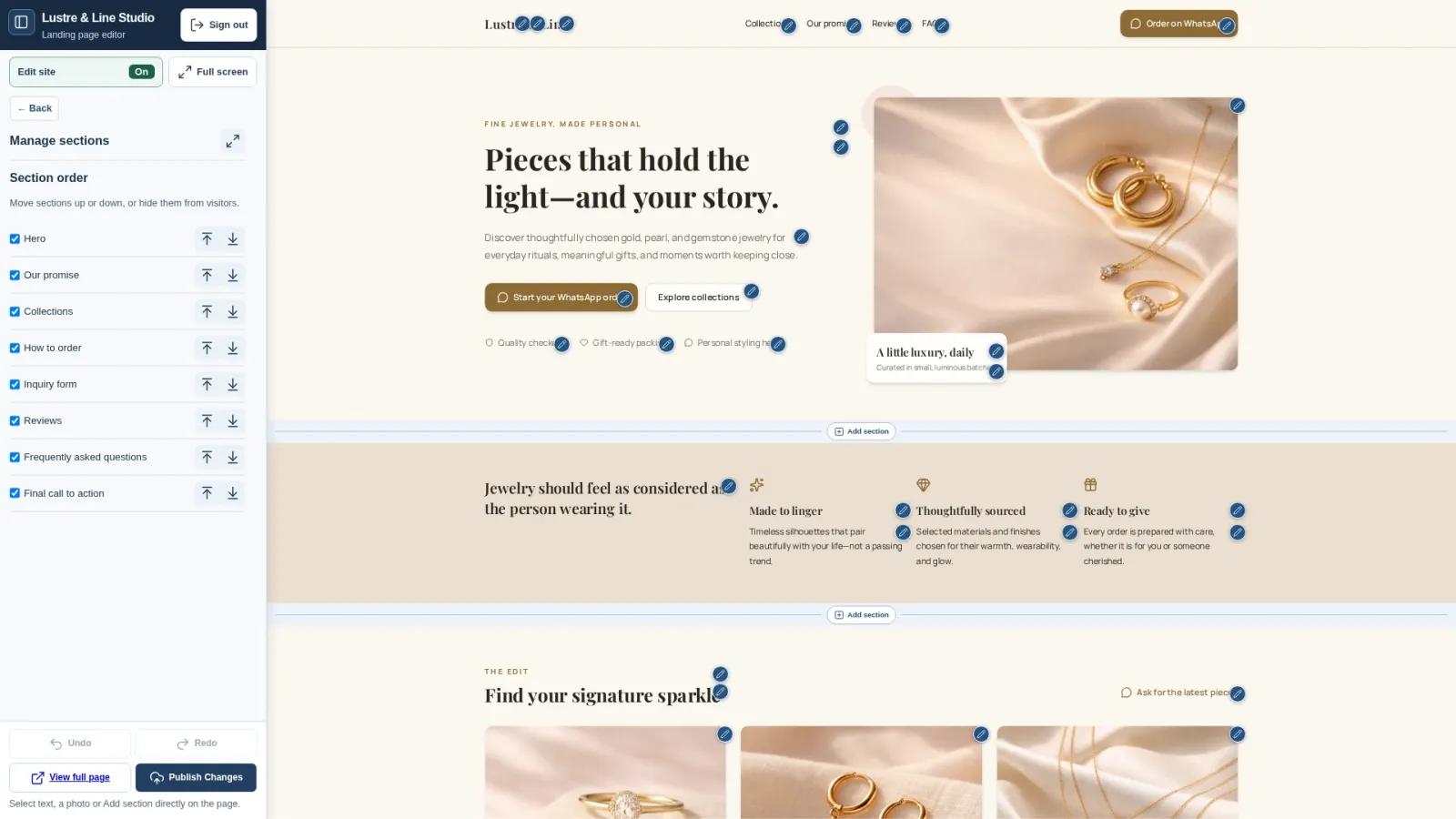
Edit copy in place, replace photography, add and reorder sections, and review the preview before publishing. Restore the previous or original design when needed.
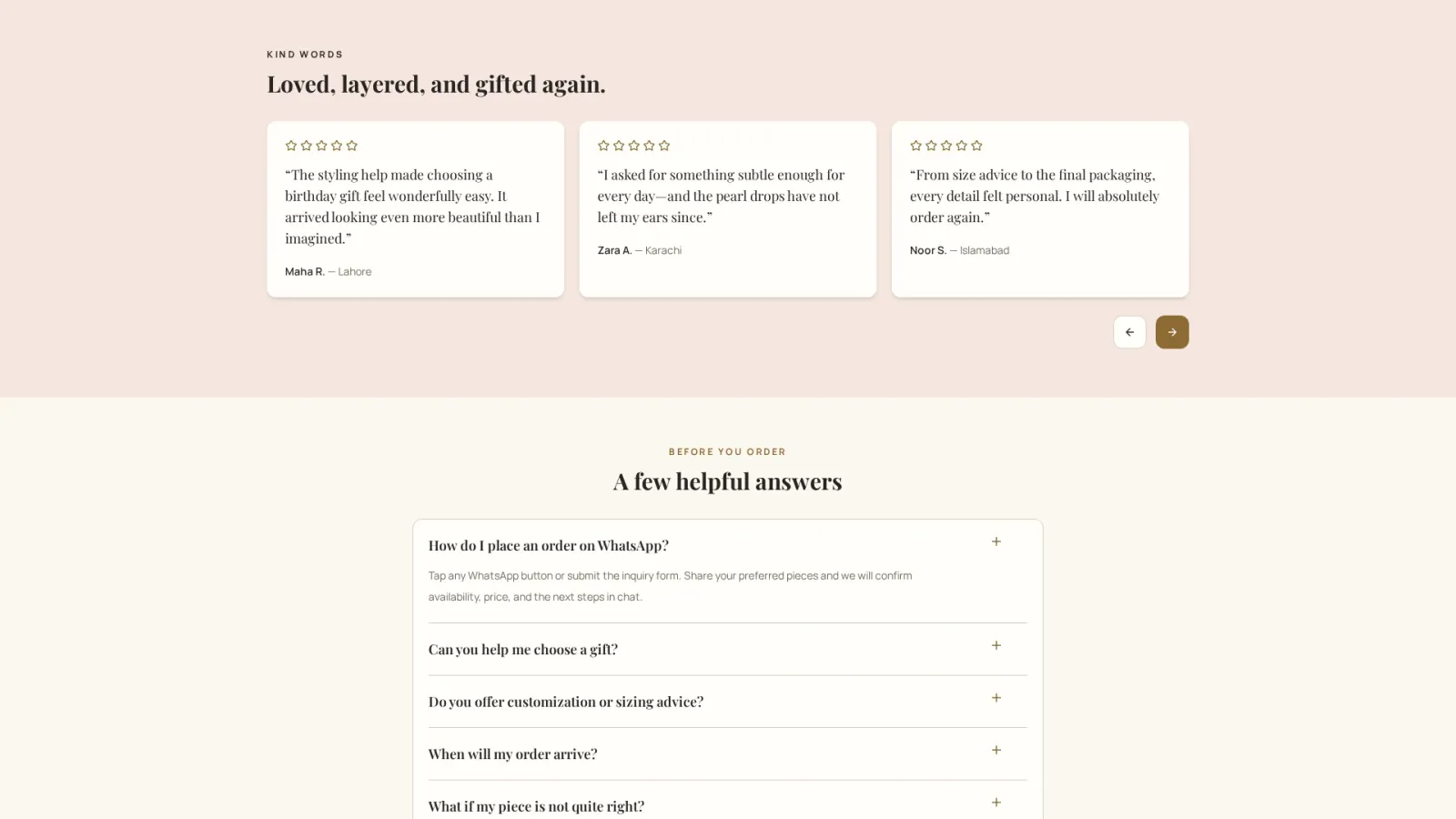
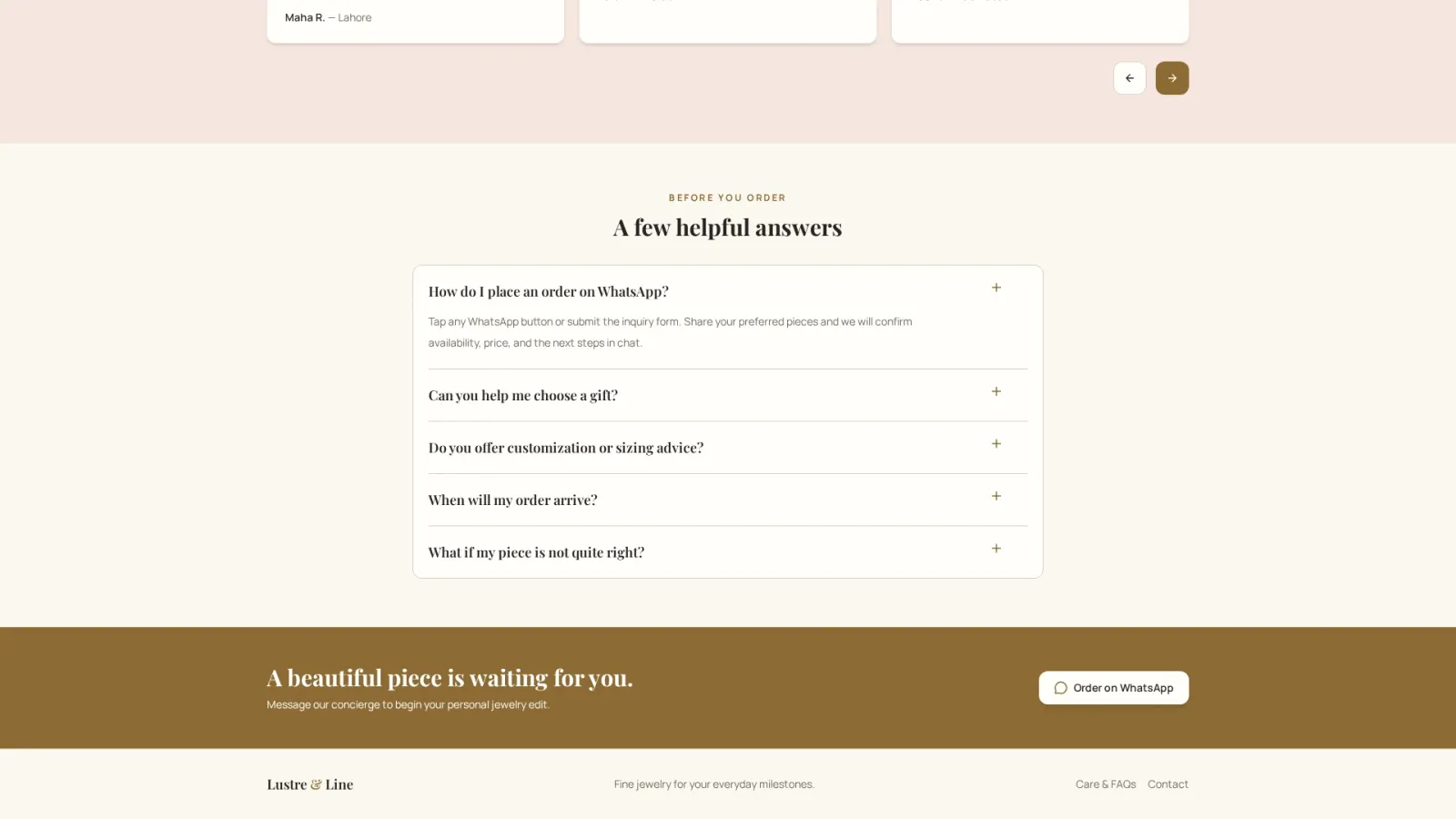
The responsive English storefront includes a photo-led hero, three collection cards, a brand promise, buying steps, review cards, FAQ accordions and a final WhatsApp call to action.
Use Page and form text to update browser title, search description, navigation links and inquiry form labels. Upload a local image or use an HTTPS image URL. Add photo, video, text, specification or call-to-action sections.
Collection links can preselect the shopper’s interest. Submitting the form saves the request and opens a WhatsApp draft. The shopper sends it in WhatsApp. Your team handles payment and delivery arrangements in the conversation.
The application, the original jewelry page and its four photos, English demo content, local fonts, a browser installer and the SQLite schema.
Restore the immediately previous published version after a publish, or return to the original page. Restoration publishes the selected design and keeps the current business WhatsApp number and inbox.
Yes. Set a business number with its country code in WhatsApp & Security and publish. The inquiry form then saves the request and prepares a WhatsApp message for the shopper to send.
Complete browser setup, then submit the key issued for Lustre & Line in SourceWrap. Successful hosted activation finalizes setup and unlocks administrator sign-in.
Browse the storefront, publishing tools, inquiry workflows and owner controls included in Lustre & Line.
Use an Apache PHP host with SQLite, HTTPS and a PHP CLI for SourceWrap sync.
Allow the supplied .htaccess rules. Keep hidden files when uploading and maintain the web access rules that protect the private application and data.
Enable PDO SQLite, Sodium, OpenSSL, ctype and Fileinfo. Provide cURL or verified PHP HTTPS streams with a valid CA trust store.
The built-in installer initializes SQLite. The PHP processes that use the app and sync task need access to the writable private/storage directory.
Finish browser setup at the intended HTTPS address. Use the activation key issued for Lustre & Line and permit outbound HTTPS to the SourceWrap activation service.
Schedule the private PHP CLI task every minute to receive signed owner controls and notices. With a host that separates the schedule from the command, set the schedule to * * * * * and paste the command alone. Replace the example paths with your deployment paths.
/usr/bin/php /absolute/path/to/lustre-line/private/app/sourcewrap/sync.php syncVerify that the CLI binary reports PHP 8.2 or later and can load the same required extensions as the website. Run the same command with status to check the local state. Check the scheduler’s run output after saving. The release README includes the Windows XAMPP command.
No reviews yet.
Log in to write a review
شہد فروخت کرنے کے لیے اردو RTL لینڈنگ پیج۔ بصری ایڈیٹر سے تصاویر، قیمت اور پیک سائز بدلیں، واٹس ایپ پر آرڈر کی گفتگو شروع کریں اور رابطہ پیغامات ایڈمن ان باکس میں پڑھیں۔
3-day money back
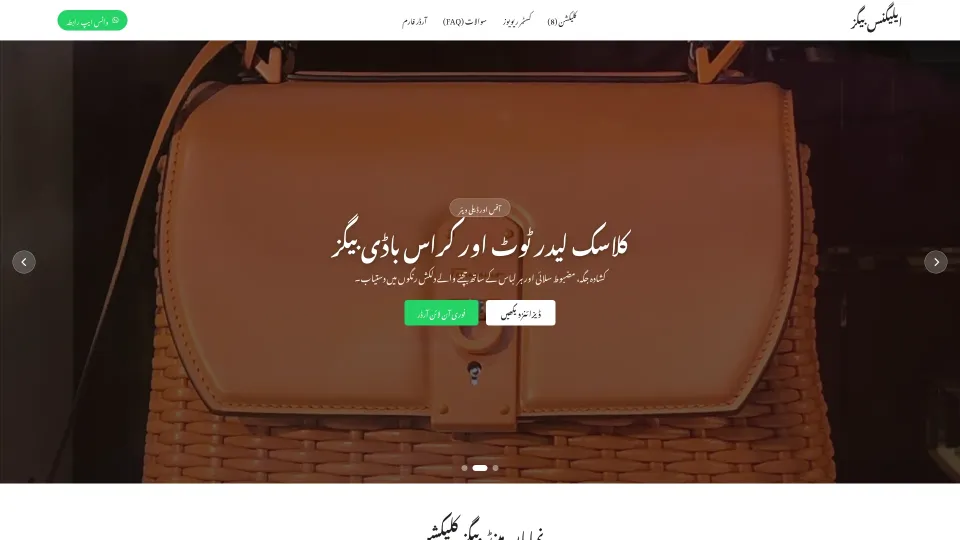
Elegance Handbags is an editable Urdu RTL storefront for handbag boutiques, built with Plain PHP and SQLite. Update product photos, prices, and page sections in Visual Admin, and collect guest order inquiries through WhatsApp.
3-day money back
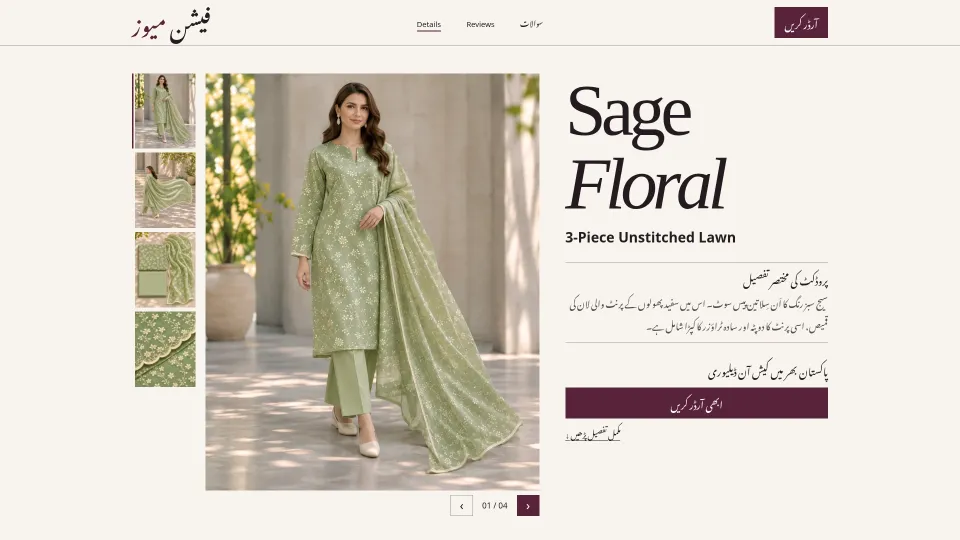
FashionMuse is an editable single-product fashion landing page with Urdu and English storefront copy, a visual Studio, WhatsApp ordering and a contact inbox.
3-day money back