
Shehad
شہد فروخت کرنے کے لیے اردو RTL لینڈنگ پیج۔ بصری ایڈیٹر سے تصاویر، قیمت اور پیک سائز بدلیں، واٹس ایپ پر آرڈر کی گفتگو شروع کریں اور رابطہ پیغامات ایڈمن ان باکس میں پڑھیں۔
3-day money back
Rs. 3,000
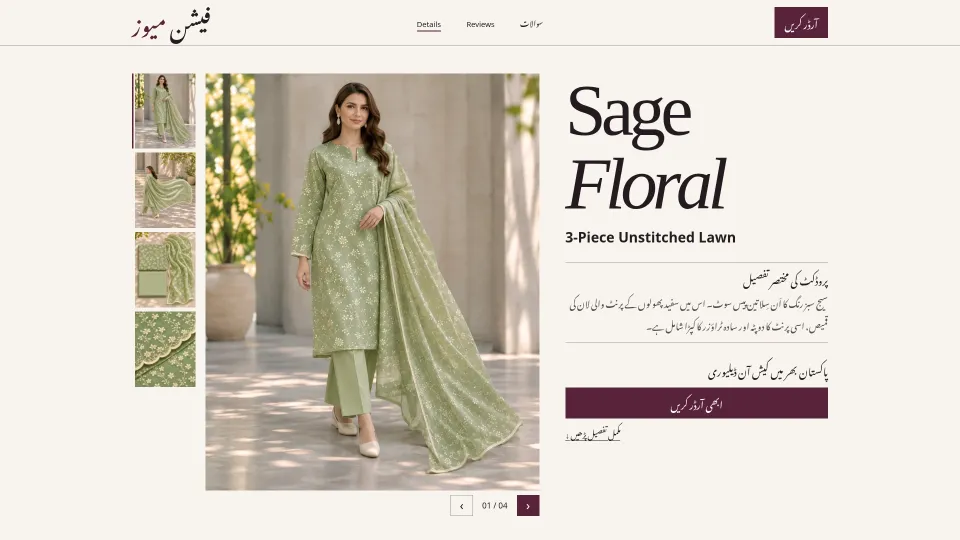
FashionMuse is an editable single-product fashion landing page with Urdu and English storefront copy, a visual Studio, WhatsApp ordering and a contact inbox.
Screenshot unavailable
1 / 7
An editable single-product fashion landing page with a visual Studio and WhatsApp ordering. Built for boutiques, independent labels and sellers who want to showcase a featured outfit, collection piece or campaign product.
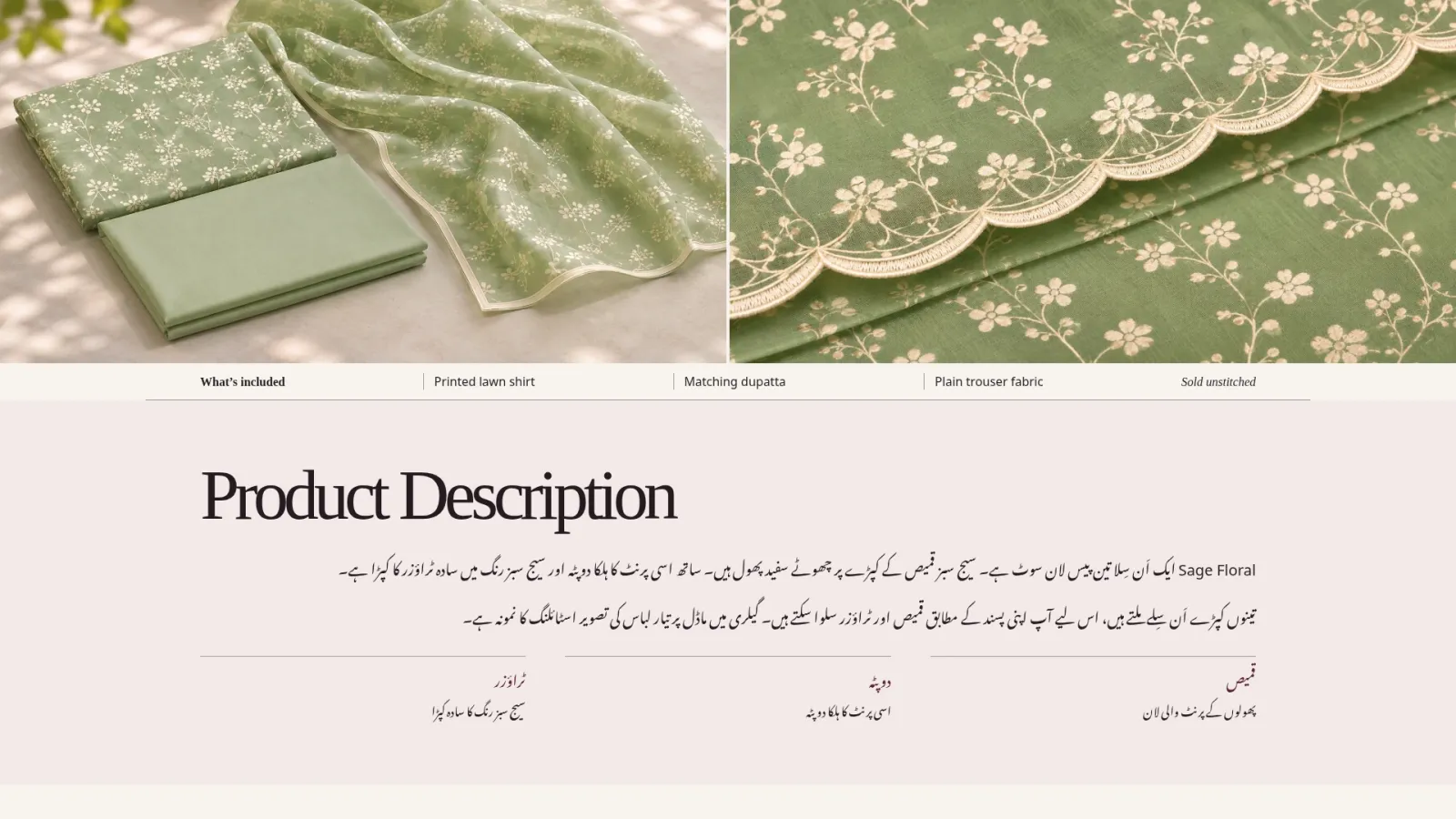
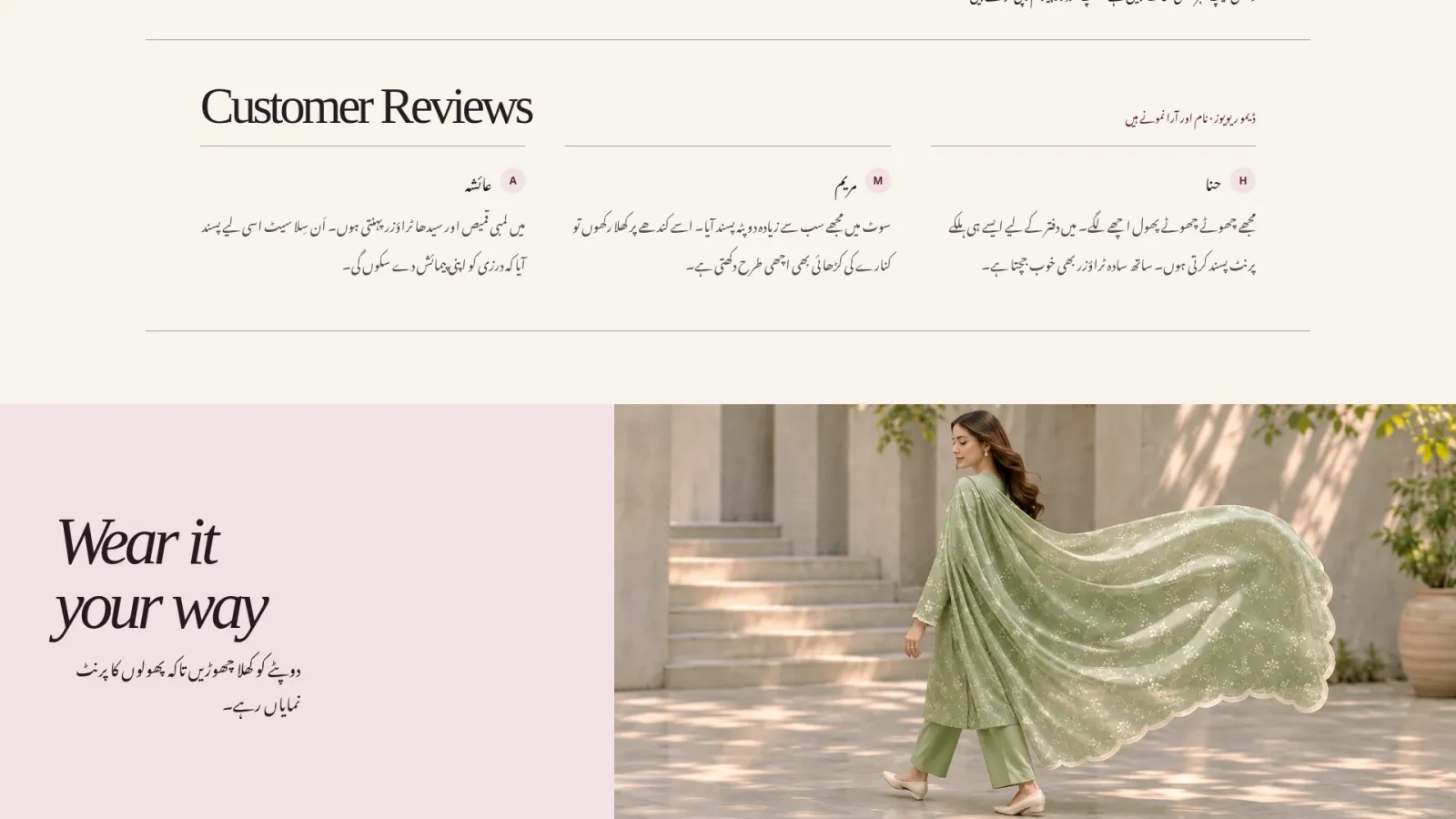
Start from the included Sage Floral three-piece unstitched lawn design. Swap in your own imagery, description, garment details, styling notes and delivery information.
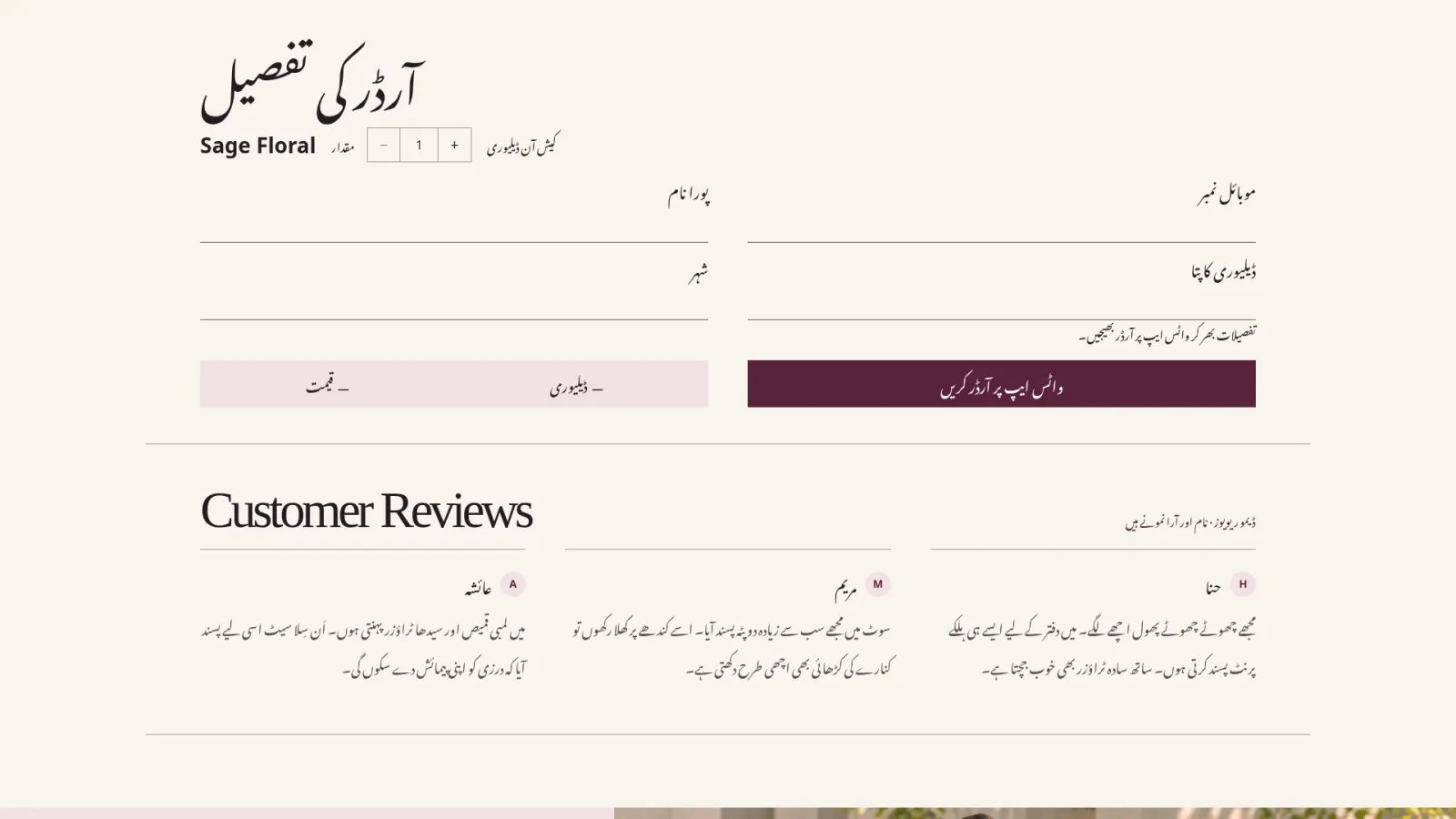
Publish prices in PKR and a delivery charge. Shoppers choose quantity, enter delivery details and open a prepared cash-on-delivery order message in WhatsApp.
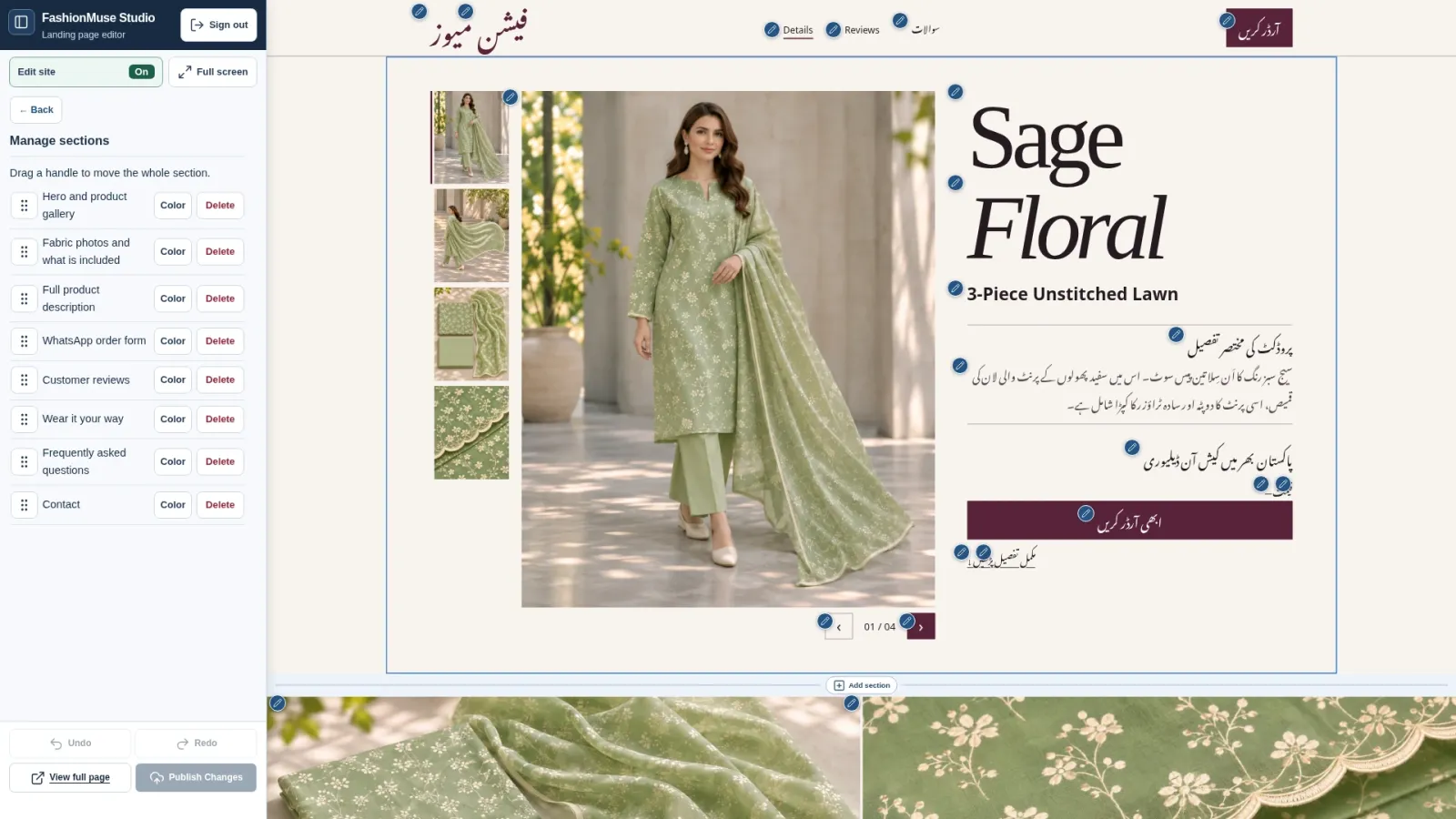
Replace and crop product photos, edit copy, rearrange sections and publish changes from the same workspace where you see the page.
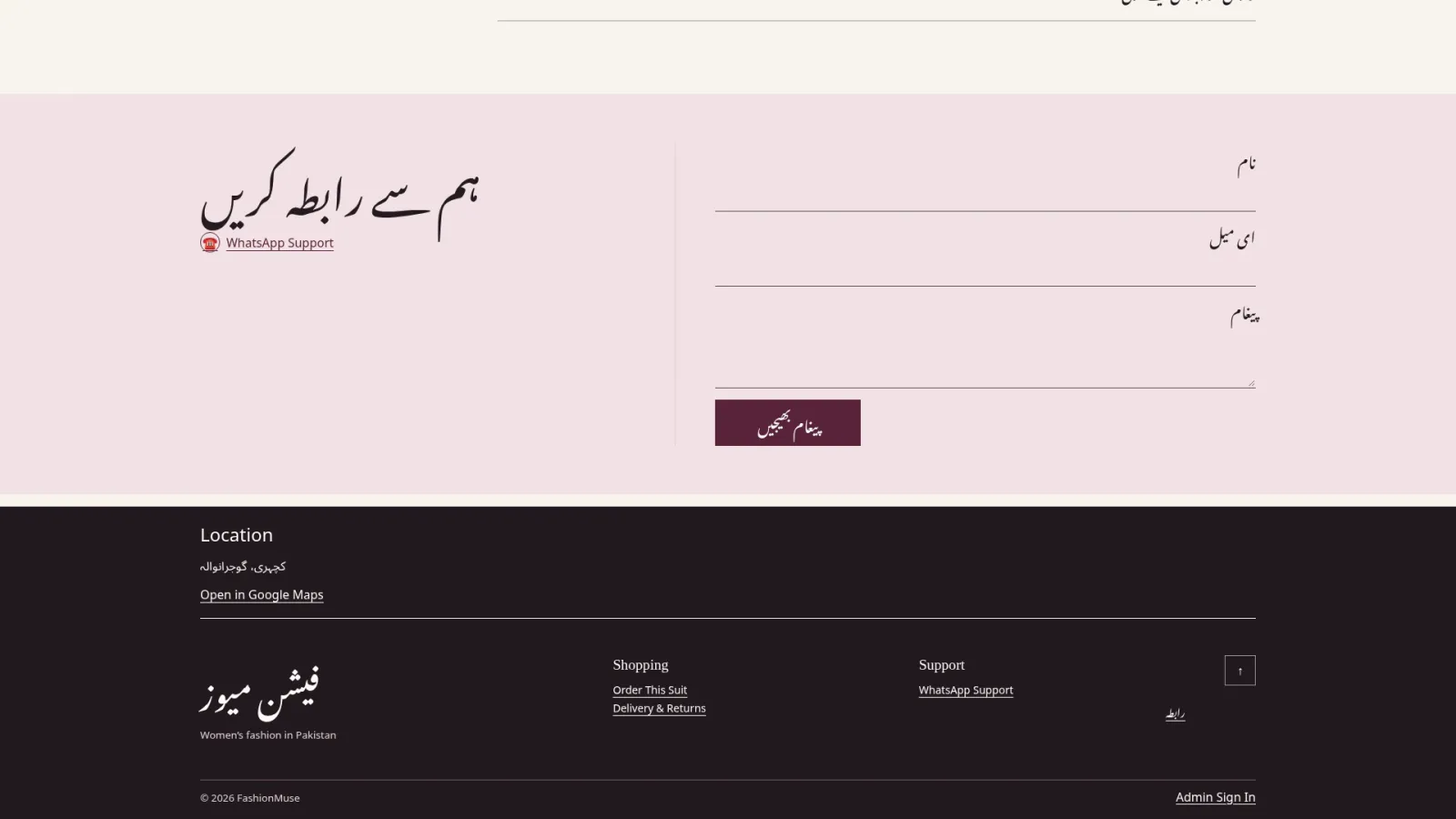
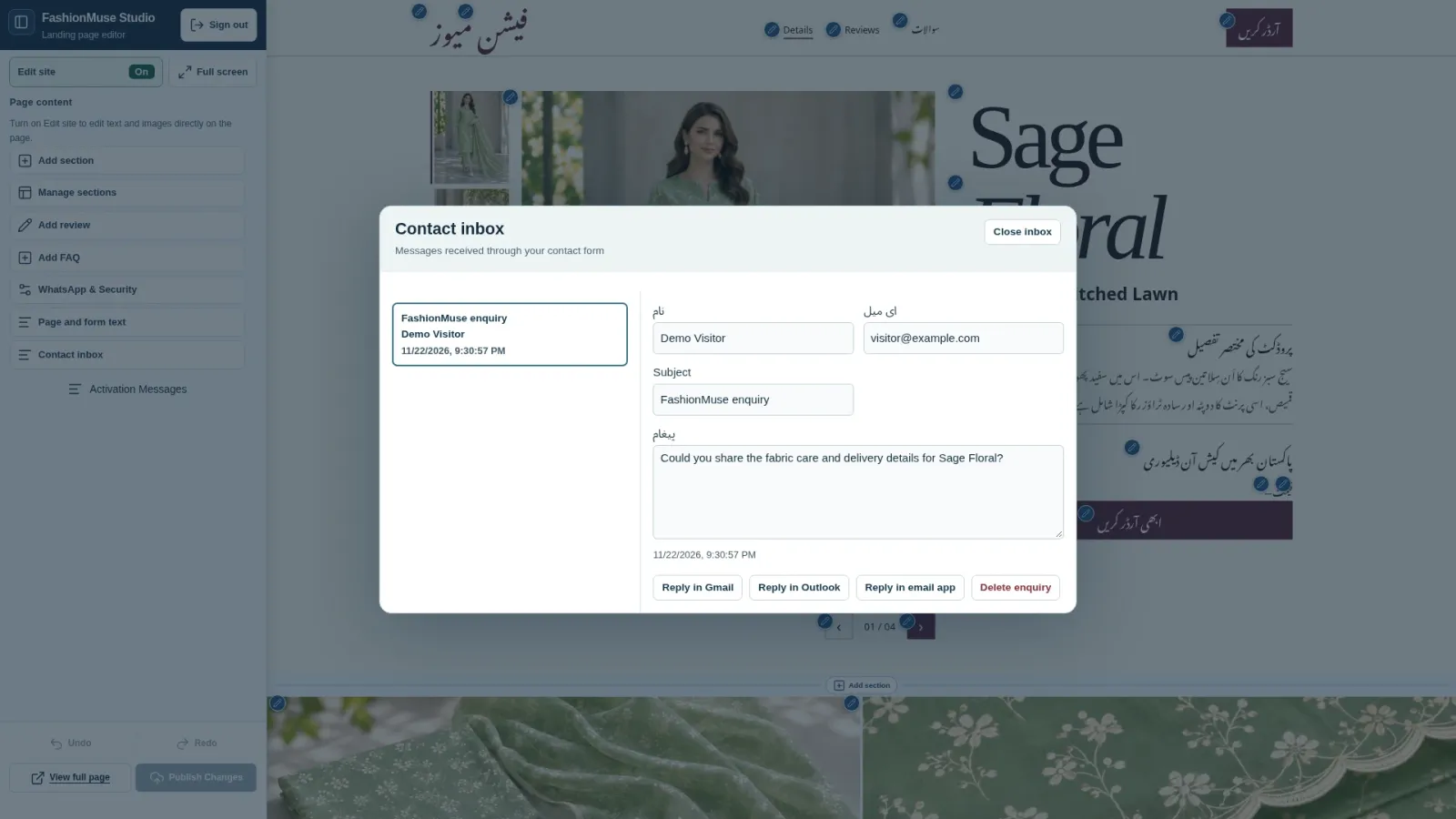
Receive contact form entries in the Studio inbox. Open unread messages, reply using your preferred email app, or delete processed enquiries.
The included layout puts a four-image product gallery beside the introductory copy. Additional sections cover materials, product description, styling, sample reviews, FAQs, ordering and contact. The original storefront combines English headings with Urdu RTL content.
Turn on Edit site, select a text or image, and make changes directly on the page. Build out the campaign with section layouts, add questions and reviews, update the browser title and search description, and verify the published result with View full page.
Set the WhatsApp number and order message, business profile links, location and footer sign-in link. Enable Google reCAPTCHA v2 Invisible or hCaptcha for the contact form with your provider credentials. Admins can set up authenticator-based two-step verification.
The form prepares a WhatsApp draft. The shopper sends the draft from WhatsApp, and your team handles the order and cash-on-delivery arrangements there.
Yes. The release includes the FashionMuse design, sample product photography, a clean SQLite schema, a browser installer and a buyer guide. The review examples are identified as demo content.
Yes. Studio lets you set a unit price, delivery charge and order field options. The public page calculates the displayed total when valid prices and quantity are available. Configure the WhatsApp phone number to open the draft in WhatsApp.
Enter the key from your SourceWrap purchase on the FashionMuse activation screen. A successful activation on the setup hostname unlocks the site and sign-in.
FashionMuse 1.0.2 includes the public landing page, Visual Studio, WhatsApp order workflow and owner tools.
Use a PHP host with SQLite, HTTPS and Apache-compatible rewrite support.
Enable mod_rewrite and mod_mime, and allow site-level .htaccess directives. Keep the bundled hidden files when transferring the package.
Enable PDO SQLite, ctype, Fileinfo, Sodium and OpenSSL. For outbound HTTPS use cURL or verified PHP HTTPS streams with a working CA trust store.
The installer initializes local SQLite storage. PHP needs write access to private/storage and read access to application files.
Open the installer on the production hostname. SourceWrap activation requires outbound HTTPS and binds the receipt to the registered hostname.
Schedule the included private PHP CLI task every minute to pick up signed owner controls and notices. In a host scheduler with separate cadence and command fields, use * * * * * in the schedule fields and paste the command alone into the command field. Replace both example paths with the paths for your host.
/path/to/php /absolute/site/path/private/app/sourcewrap/sync.php syncCheck that the same PHP CLI reports version 8.2 or later and has the required extensions and permission to access private storage. Run status instead of sync to check local license state. After saving the scheduled job, check its run output for the sync result. Windows XAMPP scheduling instructions are included in the release README.
No reviews yet.
Log in to write a review
شہد فروخت کرنے کے لیے اردو RTL لینڈنگ پیج۔ بصری ایڈیٹر سے تصاویر، قیمت اور پیک سائز بدلیں، واٹس ایپ پر آرڈر کی گفتگو شروع کریں اور رابطہ پیغامات ایڈمن ان باکس میں پڑھیں۔
3-day money back
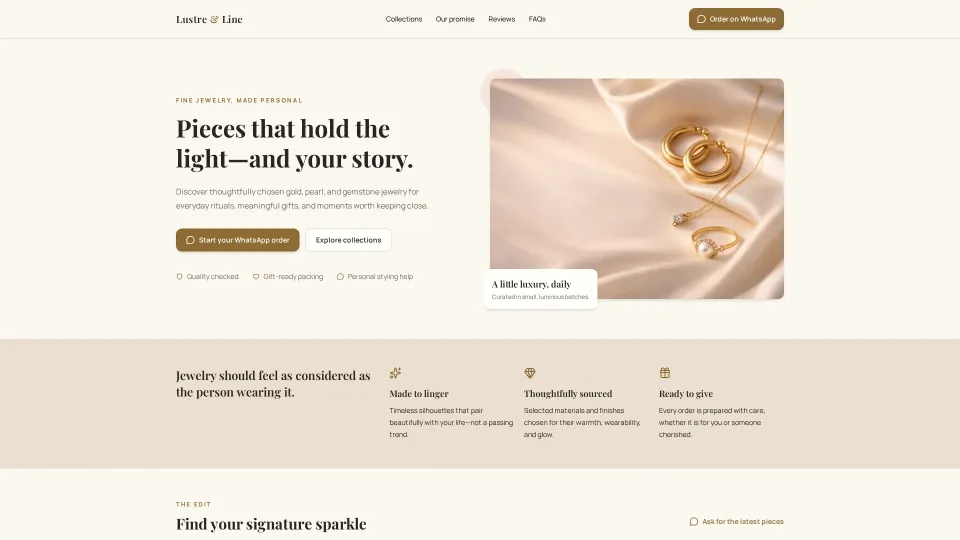
An editable jewelry landing page with a Visual Admin editor, ready-made collections, WhatsApp inquiries and a built-in inquiry inbox.
3-day money back
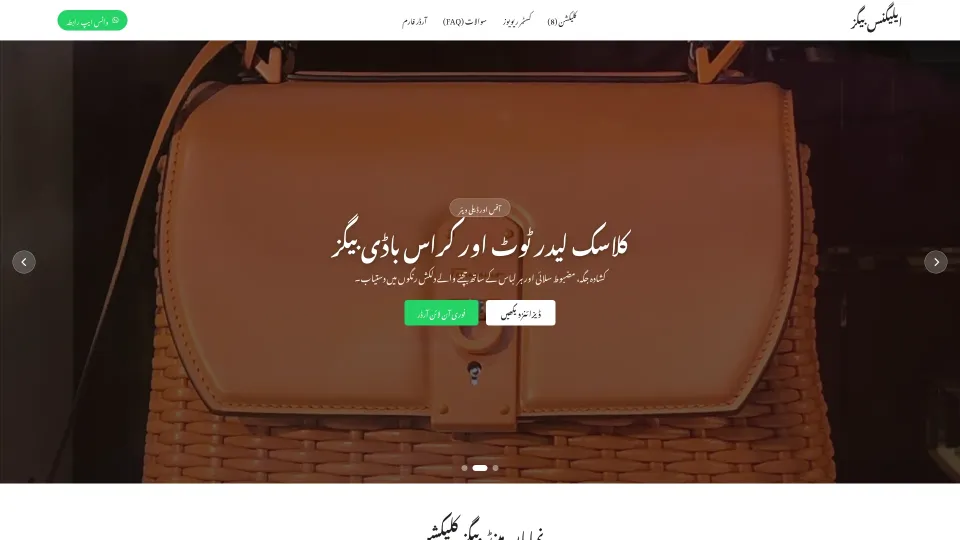
Elegance Handbags is an editable Urdu RTL storefront for handbag boutiques, built with Plain PHP and SQLite. Update product photos, prices, and page sections in Visual Admin, and collect guest order inquiries through WhatsApp.
3-day money back